 Tick
TickGroup by moment
Morning, lunch, workout, and night are easier to remember than disconnected times.
Vitamins and supplements
Creatine, vitamin D, omega-3, probiotics, or skincare: when an item enters the routine, a simple tracker helps more than a forgotten spreadsheet.
Updated July 4, 2026Tick availability checked October 5, 2026.
Tick is available for Android and iPhone (iOS 15 or later), with no account required. The iPhone widget requires iOS 17 or later.
No dose advice
Use any app on this list to remember and record. Dose, combinations with medication, contraindications, and real need should be evaluated with a healthcare professional.
Morning, lunch, workout, and night are easier to remember than disconnected times.
Use names you recognize quickly: Creatine, Vitamin D, Omega-3.
Add only what is truly part of the current routine.
The best time is the time when you are near the item.
Recording right away avoids the "did I take it or only think about it?" doubt.
Remove items that left the routine so the app does not become clutter.
Comparison
The comparison below uses Android versions of the other apps. For Tick, both Android and iPhone are available.
| App | Best for | Advantage | Limit |
|---|---|---|---|
| Tick | Simple supplements and care on Android and iPhone. | No account, categories, reminders, widget, history, and calm language. | Does not check interactions with medication or health conditions. |
| MyTherapy | Vitamins alongside medication, symptoms, measurements, and reports. | The app positions itself for medication, vitamins, birth control, stock, and health diary. | Can be too broad for people who only want supplements. |
| Pillo | People who want strong alarms, stock, checks, and supplement support. | Includes vitamin and supplement reminders, stock, and interaction alerts. | More clinical and insistent than an everyday tracker. |
| Pepti | GLP-1 with weight, effects, photos, stock, and appointments. | Useful when the routine is not just supplements, but personal GLP-1 treatment tracking. | Specific to GLP-1; for simple vitamins, Tick is more direct. |
| Loop Habit Tracker | Supplements as habits without critical dose or timing. | Charts, widgets, free/open-source app, and strong habit tracking. | Not designed for medication or per-item dose history. |
| Google Calendar/Tasks | Basic reminders without a new app. | Recurring tasks and timed notifications. | No dose history or dedicated care screen. |
Zero friction
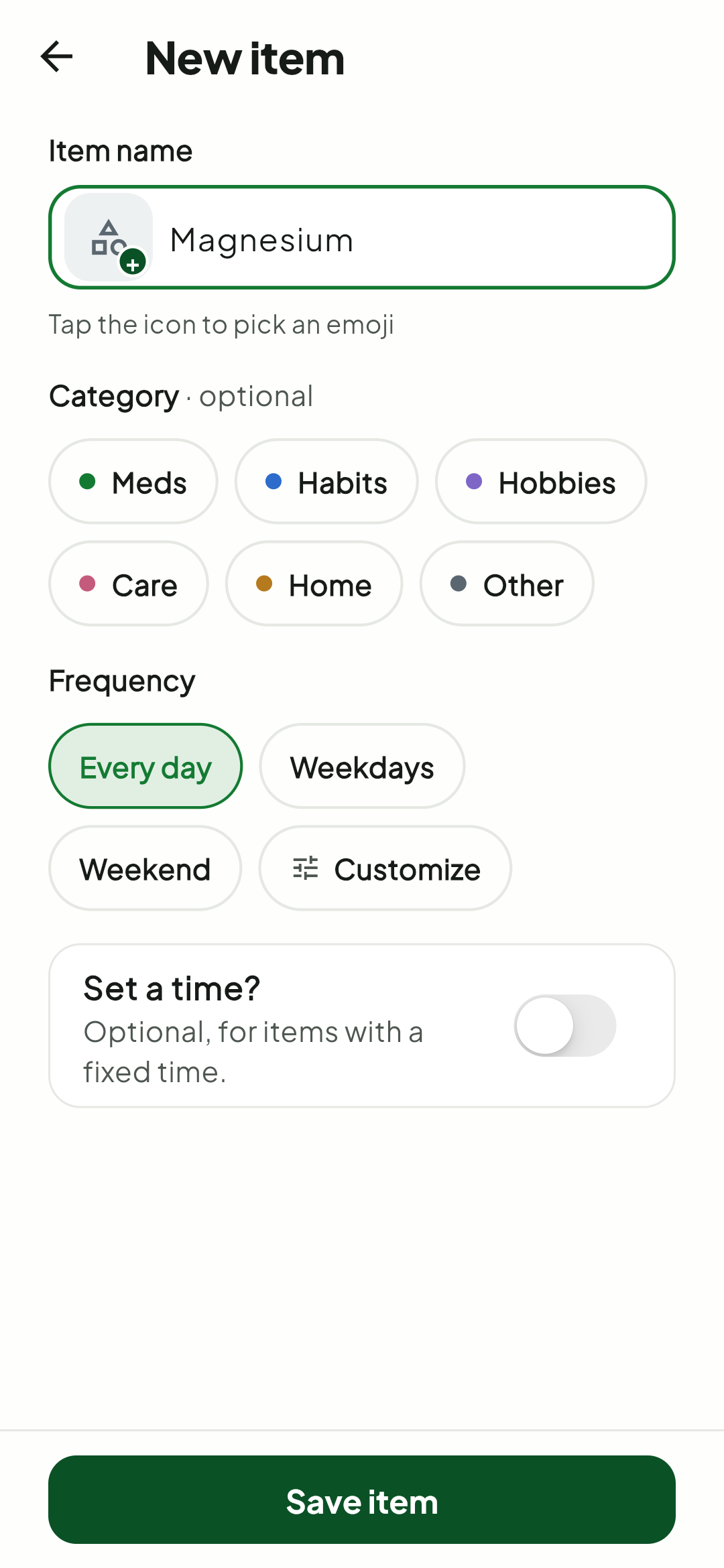
For routine items, many people only need to type the name, choose frequency, and check off when done. Tick does not force you to fill milligrams, capsule format, or remaining stock to track creatine or a vitamin.
In Tick
Tick does not separate meds, supplements, or self-care with bureaucracy. You choose category, frequency, and time; the app shows what is due today.
Create the item
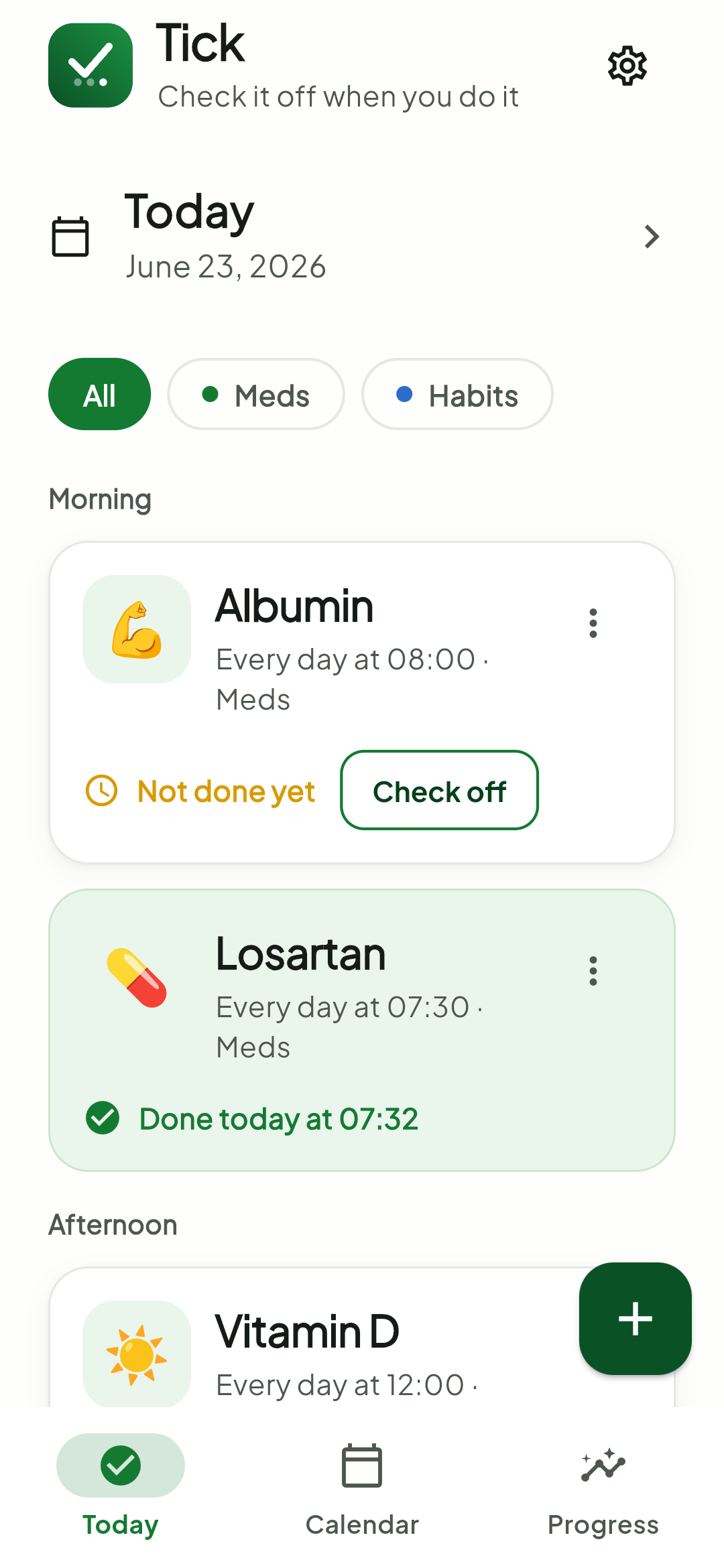
See the day
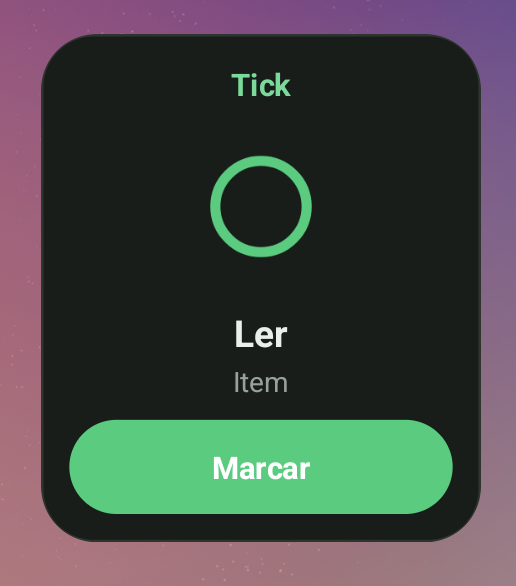
Check off from the home screen
FAQ
Yes. You can create supplements, vitamins, meds, self-care, and light habits as recurring items.
No. Tick does not recommend supplements, doses, or combinations. It only helps you remember and record items you already decided to use with proper guidance.
Yes. Tick's widget helps you check off recurring items directly from the home screen.
When supplements are mixed with treatment, stock, symptoms, checks, or health reports.
Sources consulted: MyTherapy on Google Play, Pillo on Google Play, Loop on Google Play, Google Calendar Help, Pepti, and public Tick pages.
Tick helps you remember and check off without turning self-care into a metrics dashboard.